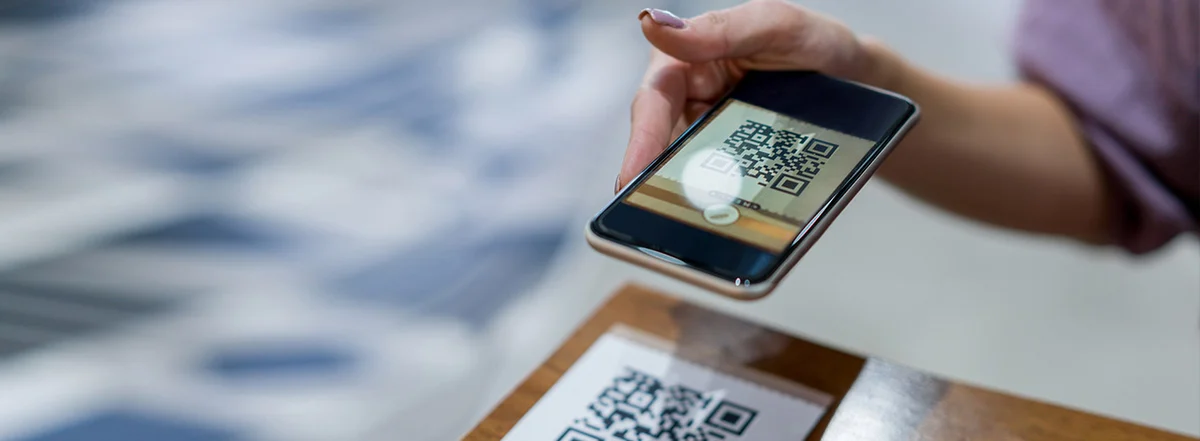
QR codes with editable links and scan analytics
Free QR code generator.
Edit links. Track scans.
Create a QR code for your website, menu or campaign. Add scan tracking and change the link after printing, all from your QRtracer account.
Free to create. Choose tracking next. No credit card.
1,000+
QR codes generated
100+
registered users
20,000+
recorded scans



How to create a free QR code
1. Paste your link
Use the public URL for your website, form, menu or document.
2. Add tracking
Save your code to an account to see scans and change its link later.
3. Download and test
Save your PNG, scan it with your phone and check the destination before printing.
Need a different type? Try the free WiFi QR generator, vCard QR generator or online QR scanner.
QR code analytics
Track QR code scans.
See what gets noticed.
See total and unique scans, location and device breakdowns, and activity over time. Compare your QR codes to find which posters, menus, or campaigns get scanned.
Explore QR trackingCampaign overview
QR code analytics
- Total scans
- 1,284
- Active codes
- 3
- Countries
- 8
- Scans today
- 42
Give each poster, menu or campaign its own QR code to compare scan activity by placement.
Scan counts
See total scans and unique scan estimates for each QR code.
Location & devices
Review approximate countries and cities, devices, browsers, and operating systems.
Scan history
See when your codes are scanned and compare activity over time.
Reports & exports
Export scan data as CSV with a paid plan for reporting outside QRtracer.
Compare scans across posters, menus and campaigns from one dashboard.
See what’s included in each plan →Editable QR codes
Change the link.
Keep the printed QR code.
A new menu, a different booking page, your next campaign: update the destination in your dashboard. The code on your print stays the same. That’s how a dynamic QR code works.
When your content changes
Update the destination
Swap an old menu, expired offer or booking link for the current page without replacing your printed materials.
How editable QR codes workWhen your campaign goes live
Compare scans by placement
Give each poster, table or handout its own code. Compare scan activity to see which placements people use.
Explore scan analyticsQR codes for your next project
All business use casesQR code guides
How to use, track and print QR codes
Set up scan tracking, change a saved link and check your QR code before printing.
QR code questions,
answered.
Visit the documentation Can I change the link after printing?
Yes. Choose tracking when you create your code, then save it to your account. You can update the destination from your dashboard without replacing the printed code. This is called a dynamic QR code.
What can I see in QR code analytics?
See scan counts, activity over time, device types and approximate locations. Give each placement its own code to compare posters, menus or campaigns. Unique scans are estimates, not a count of identifiable people.
Do I need an account?
An account lets you save codes, change their destinations and access scan analytics. If you only need a fixed link without tracking, you can download a PNG without signing up.
Will my printed codes stop working if I cancel?
Cancelling a paid plan does not disable your existing QRtracer redirects. Your linked destination still needs to remain available. Codes may be restricted for abuse or violations of our terms.
Which download formats are available?
Download a PNG to use your QR code online or in a design. Paid plans also include SVG exports for scalable print artwork. Test the exported code at its final printed size before ordering a full print run.
Can I use a code in Canva or with Google Forms?
Yes. Use the public link to your form or website, then place the downloaded QR image in your Canva design. Choose tracking before downloading if you want scan analytics and an editable link.
Create your free QR code.
Start with your link. Add tracking and manage it from your dashboard.